In the era of digitalization, the exponential growth of digital data has made efficient management of digital files and folders essential for personal and professional productivity. The sheer volume of information we accumulate on our devices demands a systematic and well-structured approach to organization.
Tips to Manage Digital Files and Folders
Effectively manage your digital files and folders, saving time, reducing stress, and enabling you to locate your information effortlessly. Some comprehensive guides and practical strategies are discussed below.
Clear and Consistent Naming Conventions
Develop a clear and consistent naming convention for your digital files and folders. This convention should convey relevant information about the file’s content, date, and purpose. Avoid using special characters and use a combination of keywords to ensure better searchability.
Organize by Category and Hierarchy
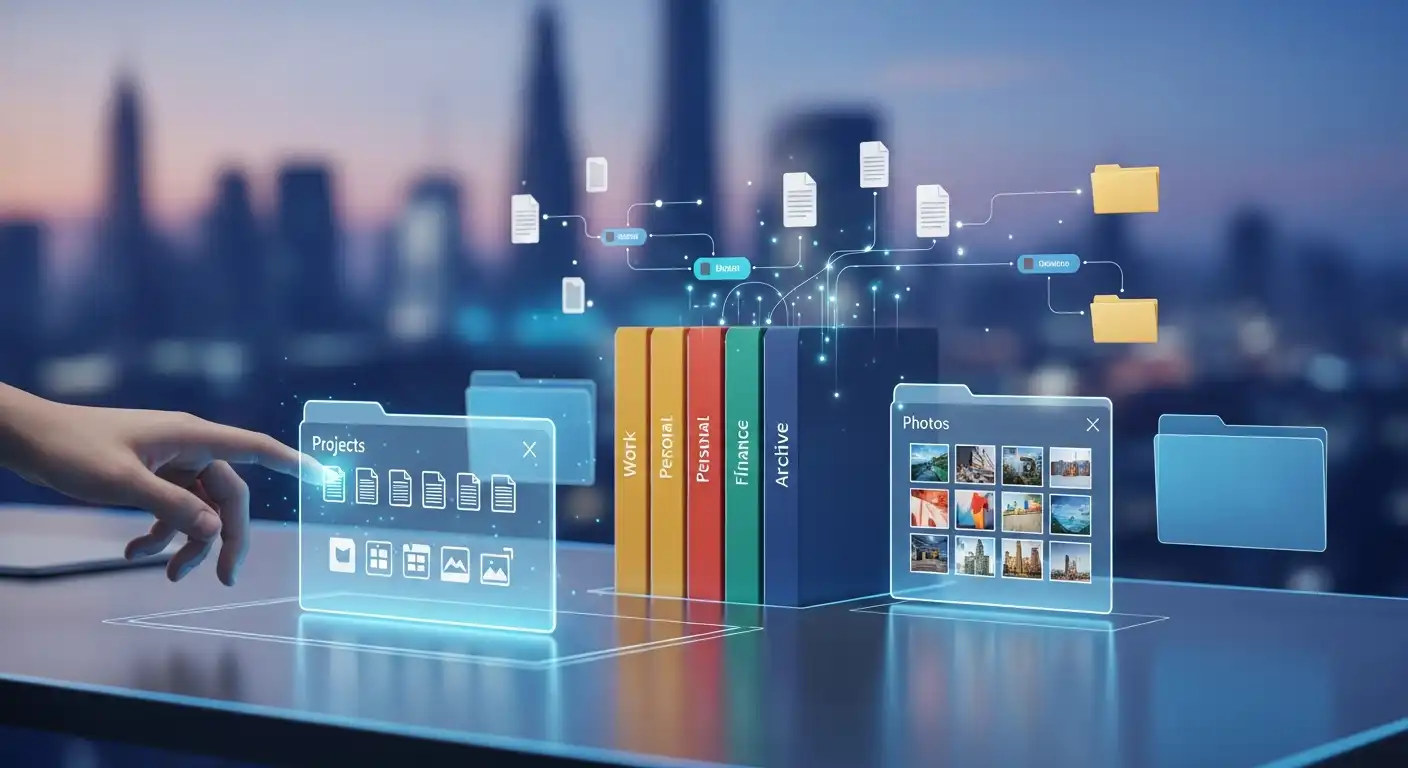
Create a folder structure that reflects your file categories. Start with broad categories and then subdivide them into more specific subfolders. For instance, in a work context, you might have main folders for projects, clients, or departments, with subfolders for each project or client.
Limit the Number of Folders
While organizing files into folders is essential, balancing categorization and simplicity is equally important. Creating too many layers of subfolders can lead to confusion and hinder quick access to files. Aim for a hierarchy that is deep enough to maintain order but shallow enough to facilitate rapid file retrieval.
Utilize Descriptive Metadata
Many modern file systems and applications allow you to add metadata or tags to your digital files and folders. Metadata is descriptive information about a file, including keywords, descriptions, authorship, and creation dates. This additional layer of information enhances the searchability of your files and provides context. For instance, attaching metadata to a project proposal could include tags like “Proposal,” “Client Name,” and “Due Date,” making it easier to find in the future.
Regularly Declutter
Digital clutter accumulates just as physical clutter does. Regularly reviewing your digital files and folders to identify items that are no longer relevant or necessary is essential. Delete or archive files that are obsolete, duplicates, or no longer serve a purpose. This practice conserves storage space and ensures your digital environment remains organized and efficient.
Implement a Version Control System
Implementing a version control system is invaluable if you collaborate on documents or work on projects involving multiple revisions. Version control lets you track changes to a file over time and maintain a history of edits. This capability ensures you can quickly revert to previous versions if needed, safeguarding against accidental data loss or unwanted changes.
Backup and Cloud Storage
In the digital organization, protecting your files and folders against data loss is paramount. Invest in a reliable backup solution that automatically stores your files in an external drive or a cloud-based service. Cloud storage services provide secure data backup and enable seamless access to your files from multiple devices and locations.
Regular Maintenance
Maintaining an organized digital workspace requires ongoing effort. Set aside dedicated time for regular maintenance sessions, during which you review your files, reevaluate your folder structure, and address any issues that may have arisen. This proactive approach prevents clutter from accumulating and ensures your organization’s systems remain effective.
Search Functionality
Modern operating systems offer powerful search capabilities that can significantly expedite locating specific files and folders. Learn to utilize advanced search operators and filters to narrow search results based on keywords, file types, creation dates, and other relevant criteria. This skill can save you substantial time and effort in the long run.
Educate and Train
If you share a digital environment with colleagues, family members, or friends, you must educate them about your established organizational system. Consistency among all users is vital to maintaining the integrity of your digital workspace. Guide naming conventions, folder structure, and best practices to ensure everyone contributes to the organized ecosystem.
Conclusion
The importance of effectively managing your digital files and folders cannot be overstated. Beyond tidiness, an organized digital workspace enhances productivity, reduces frustration, and empowers you to focus on tasks rather than hunting for files. You can transform your digital environment into an efficient, easy-to-navigate environment by adhering to clear, consistent naming conventions; a well-structured folder hierarchy; effective use of metadata; regular decluttering; backups; and proactive maintenance. Remember, the time invested in organizing today will yield significant time savings and heightened productivity in the future.