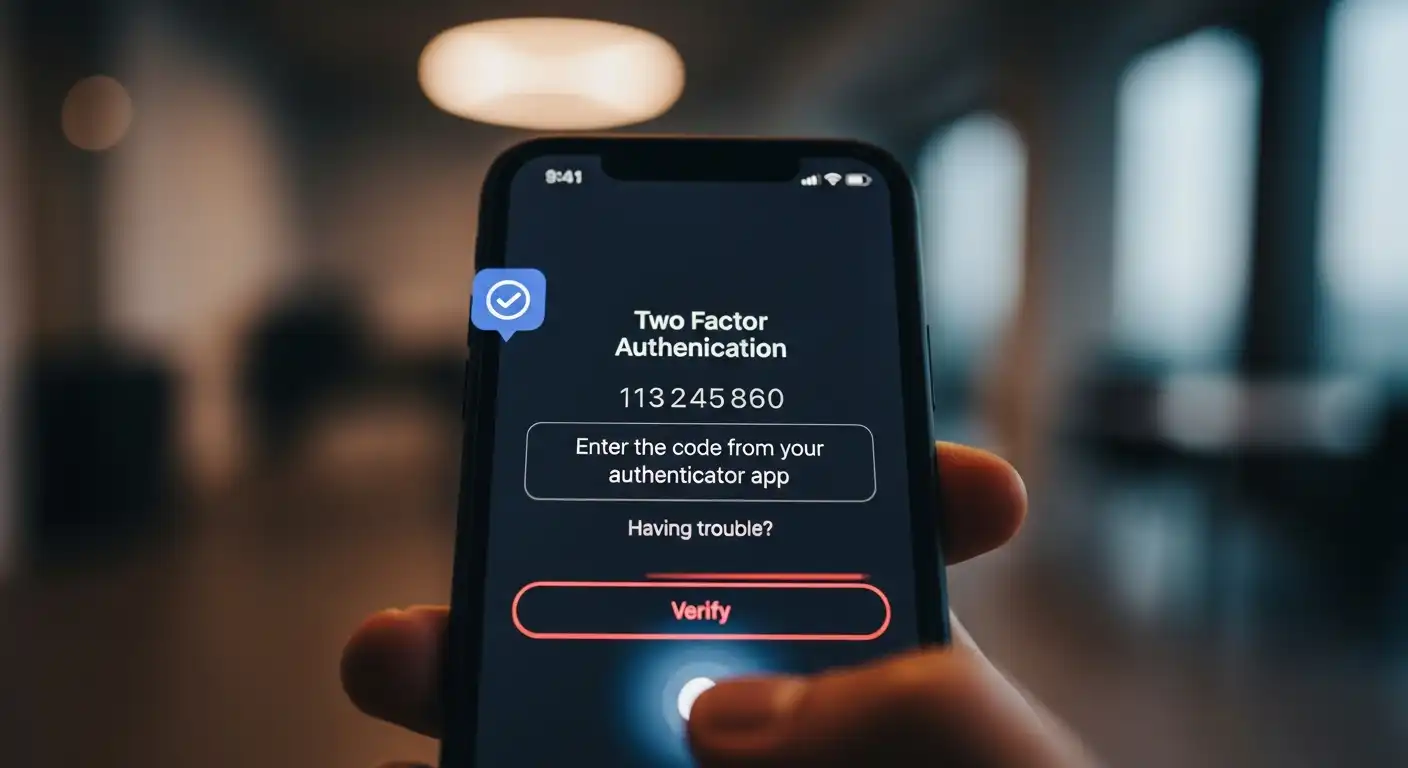
We’ve all been there. You’re trying to log in to an account, you’ve correctly entered your password, and then… the roadblock. “Please enter the six-digit code from your authenticator app.” You sigh, pick up your phone, open another app, and frantically type in the code before it expires. It’s annoying—it’s an interruption. It’s a hassle. And it is, without a doubt, the single most important thing you can do to protect your digital life.
Your Password Has Already Failed You
The hard truth we all need to accept is that the password, as a security tool, is broken. It’s just weak; it’s fundamentally obsolete. Hackers are not clever geniuses guessing your password. They are using automated tools to test billions of password combinations a second. More often, they aren’t even guessing. They are using massive lists of passwords stolen from numerous data breaches at other websites. The sad reality is that your password is very likely already for sale on the dark web. A password alone is like leaving a single, flimsy lock on your front door in a bad neighborhood.
The Power of ‘Something You Have’
This is where two-factor authentication (2FA) comes in. It’s a simple but brilliant concept. To prove you are who you say you are, you need to provide two things: something you know (your password) and something you have (your phone). A hacker in another country might be able to steal your password, but they can’t steal the physical phone sitting on your desk. By requiring that second factor, you are putting a digital deadbolt on your door. The thief might be able to pick the first lock, but they can’t get past the second one.
The Different Flavors of 2FA (and Why Some are Better)
Not all 2FA is created equal. The most common form is a code sent to you via SMS. This is a good first step—far better than nothing—but it has a weakness. A determined hacker can trick your mobile carrier into transferring your phone number to their own device in a “SIM-swapping” attack. A better option is to use an authenticator app (such as Google Authenticator or Authy). These apps generate the codes directly on your phone, completely independent of your phone number. The gold standard is a physical security key (like a YubiKey), a small USB device that is virtually unhackable. But any of these options is a massive upgrade over just a password.
It’s Not About Protecting Your Cat Photos
Some people think, “I don’t have anything important to hide, so why bother?” This is a dangerous way to think. Your email account is not just for sending messages; it’s the master key to your entire digital life. If a hacker gets into your email, they can use the “Forgot Password” link to reset the password for your bank, your social media, and every other account you own. Protecting your primary email account with 2FA is not an option; it’s a necessity. It’s the digital equivalent of locking your house door.
The Five Minutes That Could Save You a Lifetime of Pain
Yes, 2FA is a small hassle. It adds about ten seconds to your login process. But those ten seconds could save you from the nightmare of a compromised bank account, a hijacked social media profile, or a stolen identity. The five minutes it takes to set up 2FA on your critical accounts—your email, your bank, your password manager—is the single best security investment you can make. It’s the annoying extra step that transforms you from an easy target into a fortified vault.