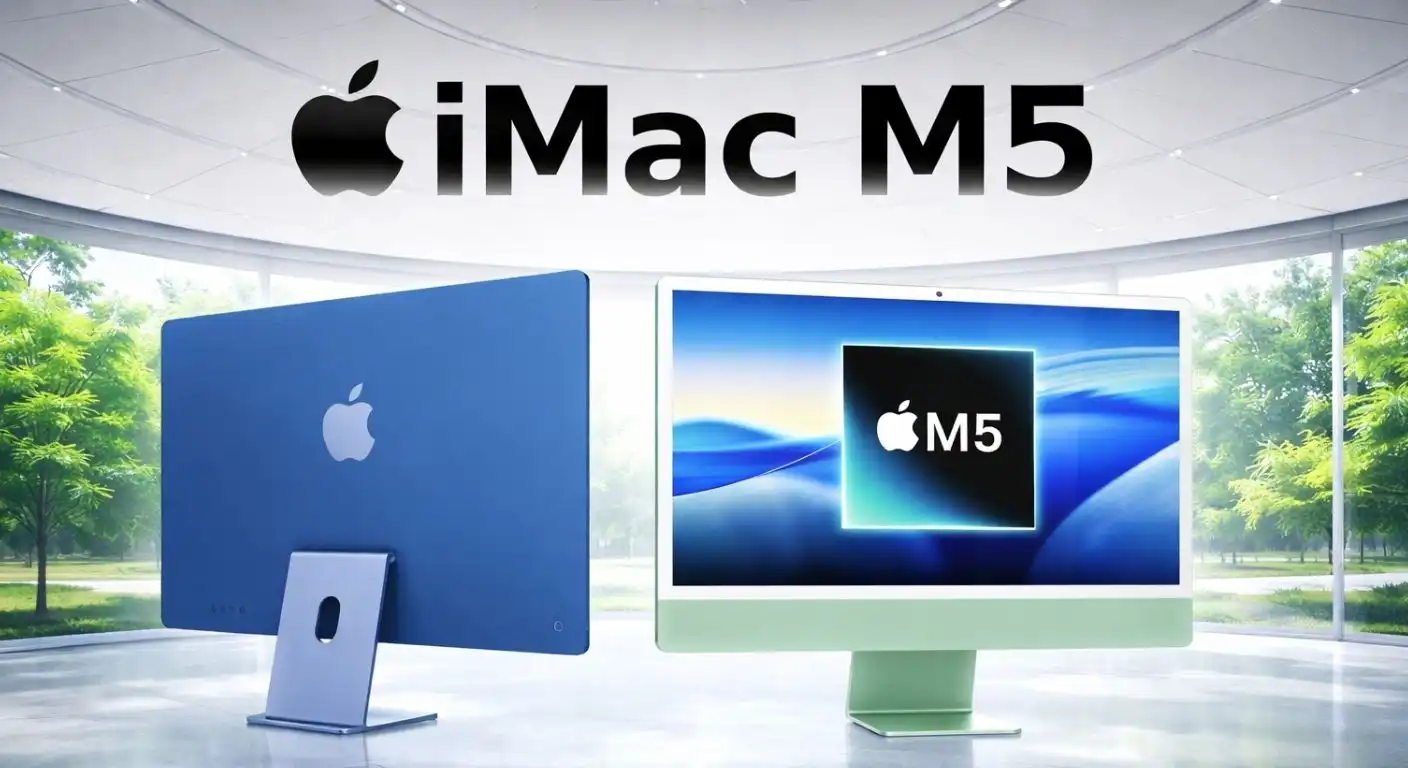
The iMac has long been the gold standard for the “all-in-one” computer category, blending minimalist aesthetics with capable performance. With the transition to Apple Silicon, the iMac became thinner and faster, but the arrival of the M5 Generation marks a critical turning point.
As we move past the M3 and M4 eras, the M5 chip—and the looming promise of the M6—represents Apple’s full commitment to on-device AI and hyper-efficiency. In this review, we dissect the M5 iMac to see if this sleek machine is merely a cosmetic refresh or a substantial leap forward for creatives, families, and professionals.
What is the iMac M5?
The iMac M5 is the latest iteration of Apple’s iconic desktop computer, built around the next-generation M5 System-on-Chip (SoC). It maintains the colorful, ultra-thin chassis design introduced with the M1 but houses a significantly more powerful engine under the hood, intended to handle the demands of modern “Apple Intelligence.”
This device serves as the central hub for the Apple ecosystem. It is designed to be approachable enough for a living room family computer but powerful enough for a photographer, coder, or video editor to use as a daily workstation. It bridges the gap between the casual consumer and the “pro” user who doesn’t quite need a Mac Studio.
Design and Display
Apple has largely adhered to the philosophy of “if it isn’t broken, don’t fix it” when it comes to the external chassis. The iMac M5 retains the impossibly thin 11.5mm profile, but the star of the show remains the screen, which continues to be the best in its class for consumer desktops.
The viewing experience is anchored by a panel that looks stunning in almost any lighting condition, thanks to Apple’s sophisticated anti-reflective coating. Here are the display specifications that make this screen a joy to use:
- 24-inch 4.5K Retina Display: Offering 11.3 million pixels for razor-sharp text and images.
- 500 Nits Brightness: Sufficiently bright to combat glare from nearby windows.
- P3 Wide Color & True Tone: Cinema-standard color accuracy that adjusts temperature based on ambient light.
The M5 Chip: Performance and Architecture
The transition to the M5 chip is not just about a clock speed boost; it is about architectural efficiency and AI processing. Built on an advanced manufacturing process (likely an enhanced 3nm or 2nm node), the M5 chip is designed to execute heavy workloads without generating heat or fan noise.
The M5 silicon brings specific improvements that target workflow fluidity and machine learning capabilities. Here are the key performance metrics that define the M5 generation:
- Next-Gen Neural Engine: A significantly higher core count dedicated solely to processing on-device AI tasks and Siri requests.
- Hardware-Accelerated Ray Tracing: Improved GPU architecture allowing for realistic lighting in gaming and 3D rendering.
- Unified Memory Bandwidth: Faster data transfer between the CPU and GPU, reducing latency in multitasking.
Looking Ahead: The M6 Horizon
While the M5 is the powerhouse of today, Apple’s roadmap hints that the M6 generation will focus heavily on extreme parallel processing. For users buying the M5 today, the architecture is robust enough to last 5–7 years. However, for those waiting for the M6, analysts predict a shift toward “stacked” chip designs that could bring workstation-class performance to the slim iMac form factor for the first time.
Connectivity and Peripherals
One of the historical gripes with the modern iMac was its limited port count, but the M5 generation aims to alleviate some of this “dongle anxiety.” Apple has finally standardized USB-C across all peripherals, marking the official death of the Lightning port on the desktop.
The connectivity suite on the back of the machine is designed to keep the setup clean while offering high-speed throughput for external drives. Users can expect the following I/O configuration on mid-to-high-tier models:
- Thunderbolt 5 / USB 4 Ports: Supporting up to 80Gbps or 120Gbps data transfer speeds.
- Gigabit Ethernet: Integrated into the power brick to keep thick cables off the desk.
- Color-Matched Peripherals: Magic Mouse, Magic Trackpad, and Magic Keyboard (with Touch ID) all charge via USB-C.
Pros and Cons
The iMac M5 is a masterpiece of engineering, but integrated all-in-one designs inherently come with compromises. It is essential to weigh the seamless experience against the lack of flexibility.
Here is a breakdown of where the iMac M5 excels and where it might leave enthusiasts wanting more:
Pros:
- Incredible Performance-per-Watt: The M5 chip runs cool and silent even under heavy loads.
- Stunning Display: The 4.5K panel is better than almost any standalone monitor in this price range.
- All-in-One Convenience: A high-quality webcam, microphone, and built-in spatial audio speakers are included.
- Aesthetic Appeal: The design remains modern and minimal, fitting into any interior decor.
Cons:
- Non-Upgradable: You cannot add RAM or storage later; what you buy is what you keep forever.
- Port Placement: All ports are on the back, making it annoying to plug in temporary thumb drives.
- Expensive Upgrades: Apple continues to charge a premium for additional SSD storage and Unified Memory.
- No 27-inch or 32-inch Option: The 24-inch size is the only option, which may feel small for multitasking professionals.
Conclusion
The Apple iMac (M5 Generation) asserts its dominance as the best all-in-one computer on the market. It successfully marries the raw power of the M5 silicon with a design that is as much a piece of furniture as it is a tool.
For the vast majority of users—students, families, writers, and marketers—the M5 iMac is the perfect computer. It creates a clutter-free environment where the technology dissolves into the background, letting you focus on the work. While power users may still pine for a larger “iMac Pro” or wait for the M6 advancements, the M5 iMac stands as a triumphant blend of form and function.