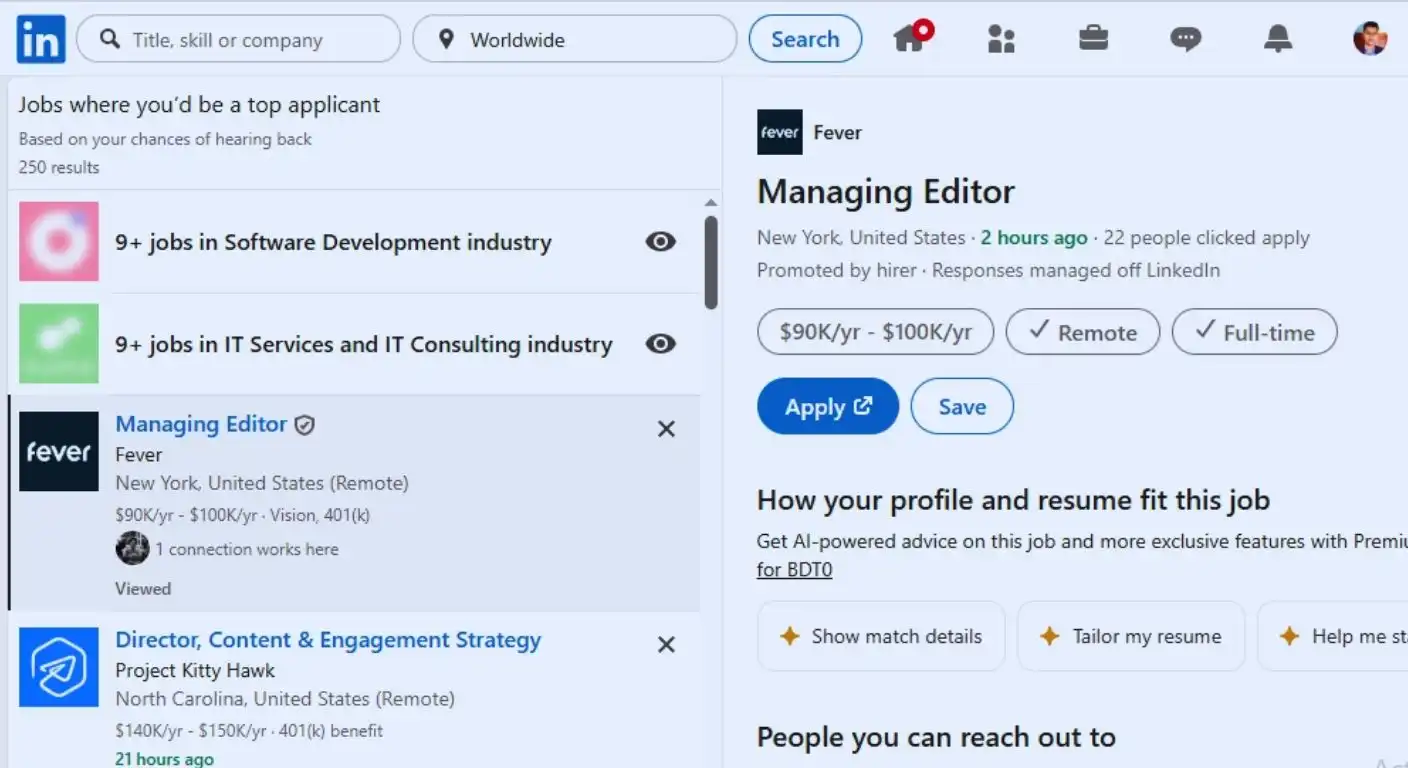
The year is 2024. The resume is no longer just a PDF document you email to HR. It is a living, breathing digital footprint that spans across platforms like LinkedIn, Facebook, Instagram, Twitter (X), and TikTok.
Before a recruiter ever picks up the phone to call you, they have likely Googled your name. According to a CareerBuilder survey, 70% of employers use social media to screen candidates during the hiring process. More alarmingly, 57% have found content that caused them not to hire a candidate.
That angry rant you posted about your boss in 2018? The photos from that wild weekend in Vegas? The controversial political meme you shared without thinking? These are landmines waiting to detonate your career prospects.
Your digital presence is your “Shadow Resume.” It tells the story of your judgment, your professionalism, and your personality. Before you send out a single application, you must perform a Digital Audit. You need to sanitize, optimize, and strategicize your online identity.
This comprehensive guide will walk you through the process of scrubbing your history, locking down your privacy, and polishing your brand to ensure you pass the digital background check with flying colors.
The Recruiter’s Mindset: What Are They Looking For?
To clean effectively, you need to think like the person doing the inspection. Recruiters aren’t necessarily looking for reasons to reject you; they are looking for Red Flags that indicate risk and Green Flags that indicate cultural fit.
The Red Flags (The Dealbreakers)
- Provocative or Inappropriate Content: Nudity, excessive partying, illegal drug use.
- Discriminatory Comments: Racism, sexism, homophobia, or hate speech of any kind. This is an immediate disqualification.
- Bad-mouthing Previous Employers: If you complained about your old boss online, they assume you will complain about them, too.
- Poor Communication Skills: Posts riddled with profanity or incomprehensible grammar (depending on the role).
- Confidentiality Breaches: Posts that reveal sensitive info about a previous company.
The Green Flags (The Bonus Points)
- Professionalism: A well-curated LinkedIn profile.
- Personality: Hobbies that show you are a well-rounded human (hiking, volunteering, art).
- Industry Engagement: Sharing articles or thoughts relevant to your field.
Phase 1: The Google Audit (The First Impression)
Start where the recruiter starts: Google.
- Go Incognito: Open a private/incognito browser window. This ensures Google doesn’t customize the results based on your own search history.
- Search Yourself: Type your name in quotes (e.g., “Jane Doe”). Then try variations:
- “Jane Doe” + [Your City]
- “Jane Doe” + [Your University]
- “Jane Doe” + [Your Current Employer]
- Check Images: Switch to the “Images” tab. This is often where the most damaging content hides.
- The Fix: If you find something negative on a site you control, delete it. If it’s on a site you don’t control (like a friend’s blog or a news article), you may need to contact the site administrator to request removal. If that fails, the strategy changes to Burial: creating new, positive content (LinkedIn articles, a personal portfolio site) to push the bad result off page 1.
Phase 2: The Platform-by-Platform Scrub
Each platform has its own culture and its own risks. You need to tackle them individually.
LinkedIn: The Professional Face
This is the only platform you want recruiters to see. It shouldn’t be private; it should be polished.
- The Photo: Ensure it is high-quality and professional. No selfies, no cropped wedding photos.
- The Headline: Make it keyword-rich (e.g., “Project Manager | Agile Certified | Tech Enthusiast”).
- The Activity: Check your “Activity” tab. Did you “like” a controversial political post? Unlike it. Did you leave a snarky comment? Delete it. Your activity feed is visible to everyone.
Facebook: The Danger Zone
Facebook is often the oldest archive of our digital lives, holding posts from our less-mature years.
- The Privacy Lock: Go to Settings & Privacy > Settings > Privacy Checkup. Set your default post visibility to “Friends” (not Public).
- The “Limit Past Posts” Tool: This is a lifesaver. In Settings, find “Limit The Audience for Old Posts on Your Timeline.” This button instantly changes every public post you’ve ever made to “Friends Only.” One click fixes 10 years of history.
- The Tag Review: Enable “Timeline and Tagging” review. This prevents friends from tagging you in unflattering photos without your approval. Go through your “Photos of You” and untag yourself from anything questionable.
Twitter / X: The Opinion Archive
Twitter is searchable and indexed by Google.
- The Search: Use Twitter’s advanced search to find your own tweets containing risky keywords (swear words, political terms, names of old bosses). Delete them.
- The Nuclear Option: If you have thousands of tweets and don’t have time to review them, use a tool like TweetDelete or Redact to automatically wipe tweets older than 6 months.
- The Name Change: If your handle is unprofessional (e.g., @PartyAnimal99), change it to something closer to your real name.
Instagram: The Visual Diary
- Private or Public? Unless you are in a creative field (marketing, design) where your Instagram acts as a portfolio, set it to Private.
- The Bio: Even if private, your bio and profile pic are visible. Ensure they are neutral. Remove links to OnlyFans or controversial sites.
- The “Finsta”: If you have a secondary “Finsta” (Fake Instagram) for close friends, ensure it is not linked to your real name or phone number so it doesn’t appear in “Suggested Users.”
TikTok: The Wild Card
TikTok is increasingly being checked.
- Username Check: Ensure your handle isn’t offensive.
- Content Audit: If you post videos complaining about work, “quiet quitting,” or controversial hot takes, private those videos or the entire account.
Phase 3: The Deep Clean (Using Tools)
Manually scrolling through 10 years of posts is tedious. Use technology to help.
- Redact.dev: A powerful app that allows you to mass-delete content from almost any platform based on keywords, dates, or post types.
- BrandYourself: A service that scans your social media for “risk factors” (swearing, drugs, polarising topics) and flags them for deletion.
Phase 4: The “Grandma Test”
Once you think you are clean, apply the “Grandma Test.” Scroll through your remaining public profiles. If you would be embarrassed to show a specific post, photo, or comment to your grandmother, delete it.
This sounds conservative, but corporate HR departments are risk-averse. They are looking for stability and judgment. Erring on the side of “boring” is safer than “edgy” during a job hunt.
Phase 5: Strategic Optimization (The Offensive Strategy)
Now that you’ve played defense, play offense. A blank digital footprint can be suspicious (it looks like you have something to hide). You want a curated footprint.
Create Positive Content
- LinkedIn: Share an industry article with a thoughtful comment. Write a short post about a project you are proud of.
- Twitter/X: Follow industry leaders and retweet them. Engage in professional discourse.
- Portfolio Website: Buy YourName.com and put up a simple bio, resume, and links to your work. This creates a “Home Base” that you control, which will eventually rank #1 on Google for your name.
Alignment
Ensure your LinkedIn dates and job titles match your resume exactly. Discrepancies here look like lying.
Handling the “Un-Erasable”
What if there is something bad you can’t delete? (e.g., A mugshot, a news article about a lawsuit, a vengeful blog post by an ex).
- Do Not Engage: Commenting on it brings more traffic to it, ranking it higher.
- The Burial Strategy: The best place to hide a dead body is on page 2 of Google. Create high-quality, neutral content on high-authority sites (LinkedIn, Medium, Pinterest, YouTube) using your full name. Over time, these will outrank the negative result.
- The Honest Explanation: If it’s a serious legal issue that will appear on a background check, be proactive. Bring it up in the interview before they find it. “I want to be transparent about an incident from 5 years ago…” Taking ownership shows maturity.
Ongoing Maintenance: Digital Hygiene
Once you land the job, don’t revert to chaos.
- Think Before You Post: The “Sunday Night Rule”—if you wouldn’t want your boss seeing it Monday morning, don’t post it Sunday night.
- Periodic Audits: Google yourself every 6 months.
- Privacy Settings: Check them annually, as platforms often reset them during updates.
Conclusion
Sanitizing your social media is not about being fake. It is about being professional. It is about recognizing that in the digital age, the line between “personal” and “public” has dissolved.
You have worked hard for your degree, your skills, and your experience. Do not let a tweet from 2016 invalidate that hard work. Take control of your narrative. When a recruiter searches for you, make sure the person they find is the person you want them to hire.