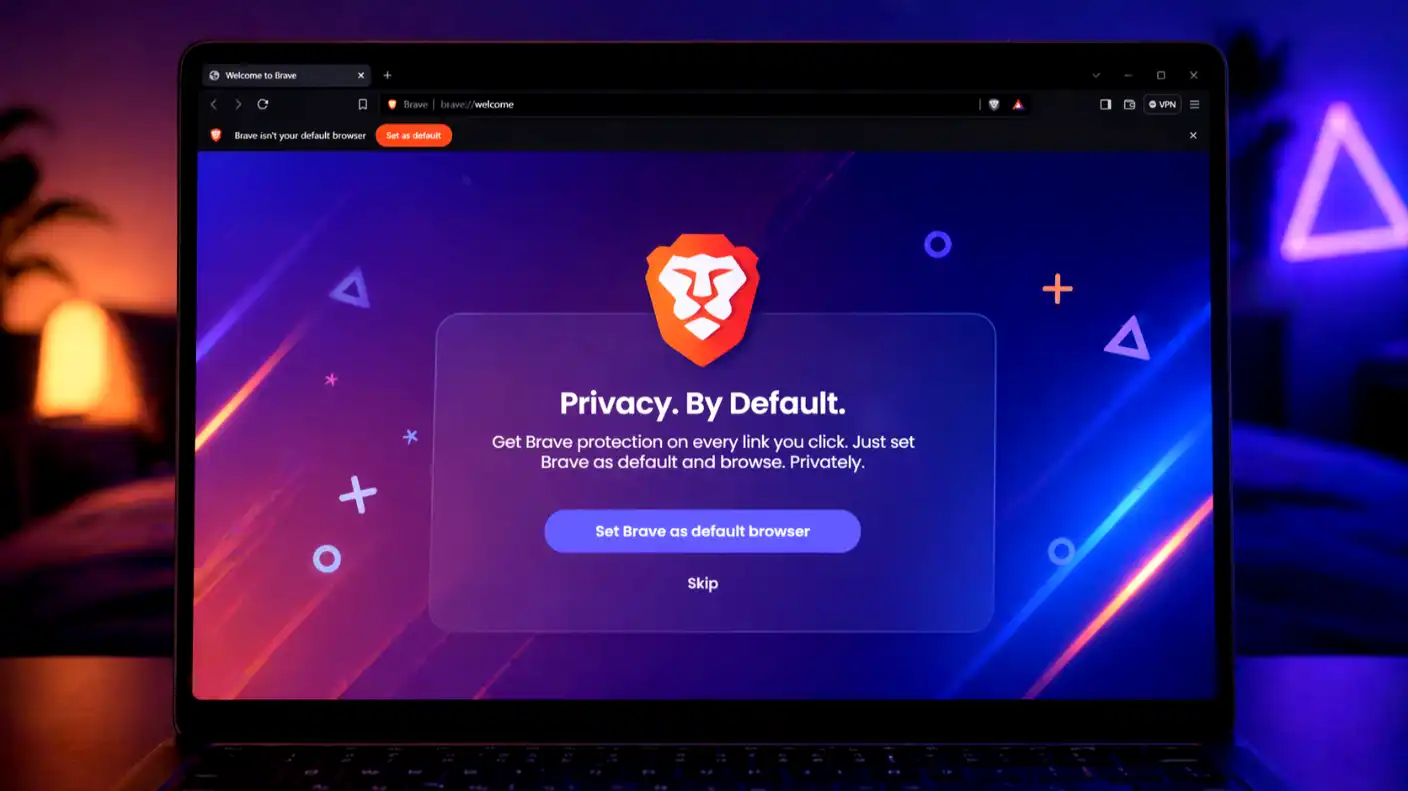
In the current digital age, the browser is the single most important piece of software on your device. It is your gateway to the internet, but it is also the primary tool advertisers use to track your every click, search, and purchase. Brave Browser has emerged as the leading alternative to Chrome and Edge, promising a faster, more secure, and inherently private experience by stripping away trackers and ads at the code level.
But in 2026, does a privacy-first focus still offer a competitive experience? With AI-integrated browsers becoming the new standard, Brave has had to evolve beyond simple ad-blocking. In this review, we examine whether Brave’s performance, features, and unique “Rewards” ecosystem make it the right tool for your daily browsing needs.
What is the Brave Browser?
Brave is an open-source, Chromium-based web browser that focuses on user privacy, security, and speed. Because it is built on the same underlying architecture as Google Chrome, it feels familiar to anyone switching from mainstream browsers. Still, it features a drastically different engine under the hood.
The core philosophy of Brave is “Privacy by Default.” While other browsers ask you to install extensions or change settings to secure your data, Brave blocks invasive ads, fingerprinting scripts, and third-party trackers automatically the moment you install it.
Key Features and Capabilities
Brave distinguishes itself by offering a suite of built-in tools that typically require a dozen separate extensions to replicate on other browsers. It is designed to be the “all-in-one” solution for the privacy-conscious user.
Brave Shields and Tracker Blocking
The centerpiece of the browser is “Brave Shields,” a highly customizable security layer that sits between the website you visit and your computer. It prevents trackers from building a profile of your behavior, which not only protects your privacy but also significantly speeds up page load times.
- Ad-Blocking: Stops display ads, pre-roll video ads, and pop-ups before they even download.
- Fingerprint Resistance: Makes your browser “look” like every other Brave browser, preventing advertisers from identifying your specific device.
- Cookie Control: Automatically blocks and clears cross-site tracking cookies that persist across different web sessions.
Brave Rewards and AI Integration
Unlike most browsers, Brave offers an opt-in system called “Brave Rewards.” If you choose to view privacy-respecting ads, you earn Basic Attention Tokens (BAT), which you can use to tip your favorite content creators or cash out for cryptocurrency.
- Creator Support: Automatically tips the websites and YouTube channels you visit most, supporting creators without requiring a subscription.
- Leo AI Assistant: Brave’s integrated AI chatbot, “Leo,” allows you to summarize pages, ask questions, and draft content directly within the browser sidebar, fully private and encrypted.
- Privacy-First AI: Unlike other browser AI assistants, Leo does not store your chats or use your data to train external models.
Advantages and Disadvantages
Transitioning to a new browser is a big decision, especially if you rely on specific browser extensions or sync features. It is important to weigh Brave’s security benefits against the potential friction of changing your digital workflow.
Advantages
The following highlights explain why millions of users have made the permanent switch to Brave over the past few years.
- Blazing Performance: Because Brave doesn’t download hundreds of tracking scripts and ads, pages load dramatically faster than they do in Chrome.
- Seamless Transition: Being Chromium-based, it supports all Chrome extensions, making the switch to Brave incredibly easy.
- Battery and Data Savings: By blocking data-heavy ads, Brave reduces the processing load on your laptop and significantly lowers mobile data consumption.
Disadvantages
These limitations are important to note, particularly if you are deeply invested in the Google or Microsoft ecosystems.
- Rewards Complexity: For many users, the cryptocurrency reward system adds unnecessary complexity, making it feel more like a hobby than a feature.
- AI Feature Overload: As the browser adds more AI tools, some users may find the interface becoming slightly cluttered compared to the “clean” versions of the past.
- Sync Issues: While sync is available, it is not as seamless or “one-click” as the cross-platform sync found in Google Chrome or Microsoft Edge.
Final Verdict: Is It Worth the Switch?
The Brave Browser remains the gold standard for users who want a “set it and forget it” privacy solution. It provides a faster, cleaner internet experience without requiring you to be a cybersecurity expert or install a library of third-party extensions.
If you are frustrated by the slow, ad-ridden state of the modern web and want a browser that respects your time and your data, Brave is the best choice available today. While the crypto rewards and AI additions may be optional for many, the core privacy engine makes Brave an essential tool for any power user.