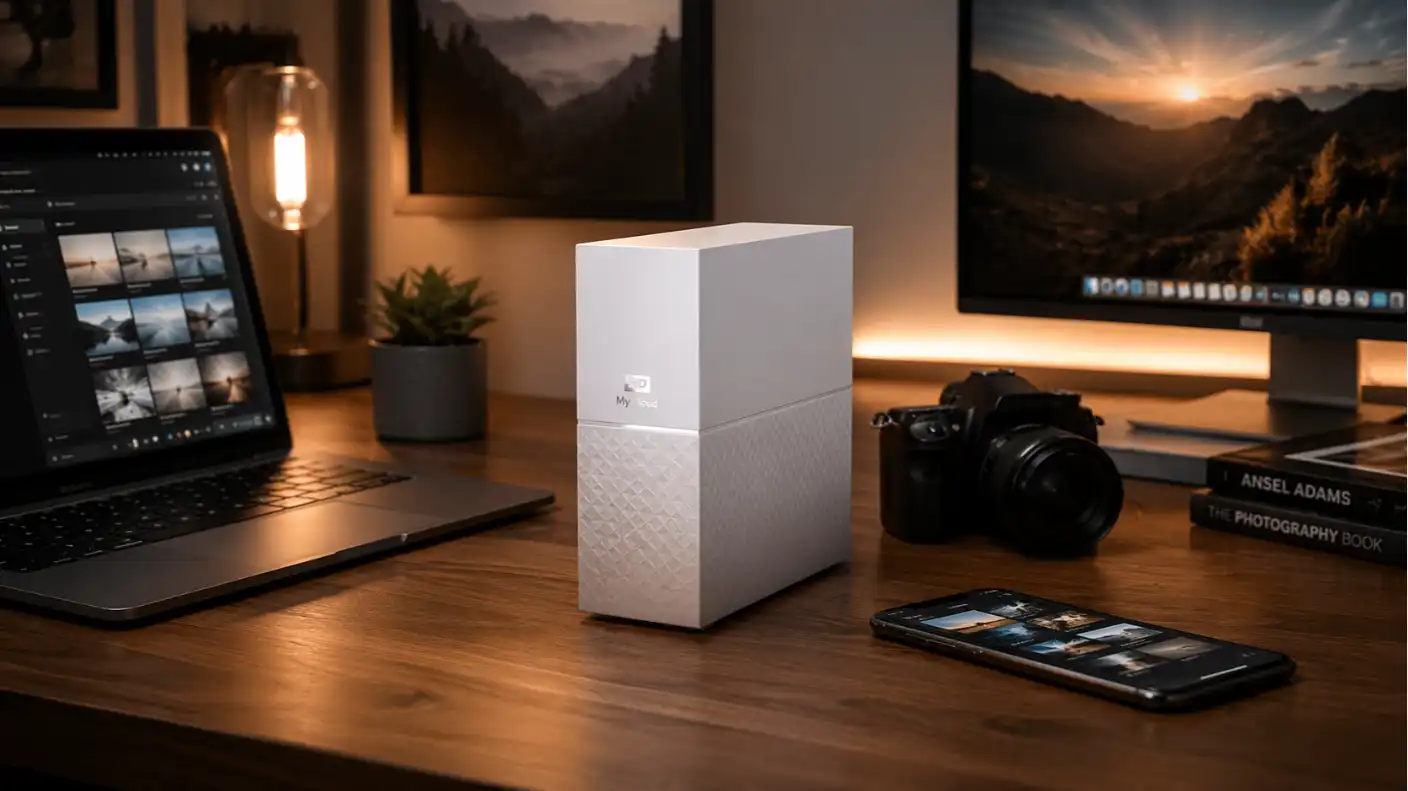
In an era when digital storage needs are constantly growing, relying on subscription-based cloud services like iCloud, Google Drive, and Dropbox can be expensive. The Western Digital My Cloud Home offers a refreshing alternative: a personal cloud storage device that lives right in your home, letting you own your data while ditching recurring monthly fees.
By connecting this device directly to your router, you create a private, centralized hub for your photos, videos, and documents. In this comprehensive review, we evaluate whether the My Cloud Home is the perfect storage solution for your digital life, balancing ease of use with the realities of modern network storage.
What is the Western Digital My Cloud Home?
The Western Digital My Cloud Home is a user-friendly personal cloud storage device that fills the gap between basic plug-and-play external hard drives and complex Network Attached Storage (NAS) systems. Unlike traditional drives that require a direct USB connection to your computer, the My Cloud Home connects to your home network, making it accessible from any device on your Wi-Fi.
It is designed for everyday consumers who want to keep their files private, secure, and accessible from anywhere in the world without the technical headache of a professional NAS configuration. It is an ideal fit for families and home offices that need a “set it and forget it” solution to automatically back up smartphones, laptops, and tablets.
Key Features and Capabilities
Western Digital designed this device with simplicity at its core, focusing on automating the tedious parts of digital backups while providing seamless access to your media library. It avoids the cluttered interfaces often found in enterprise-grade network hardware.
Automated Backup and Syncing
Protecting your data should be an invisible process that happens in the background without needing your constant manual attention. The My Cloud Home handles this through an intuitive app-based ecosystem.
- Mobile Auto-Backup: It automatically backs up photos and videos from your phone, instantly freeing up precious storage space.
- Desktop Syncing: The software integrates with Windows and macOS to sync your critical folders, ensuring that your computer’s local files are always mirrored on the drive.
- USB Import Port: A rear-mounted USB port allows you to quickly offload data from flash drives or legacy external hard drives with a single press of a button.
Remote Access and Media Streaming
A personal cloud is only as good as its accessibility; being able to reach your files from the office or while traveling is essential. The device provides a secure portal to your data through the My Cloud mobile app.
- Anywhere Access: You can view, share, and manage your file library from anywhere in the world using the official Western Digital mobile app.
- Media Streaming: The device allows you to stream your stored videos and photos directly to your smartphone or tablet, serving as your own private Netflix-style library.
- Easy Sharing: Create customized, private links for specific folders or files to quickly share large documents with friends and family.
Pros and Cons
Choosing a storage solution involves balancing convenience, cost, and technical capabilities. Here is a look at what makes this device a strong contender and where it might fall short for more demanding users.
Advantages
The following points highlight why this device is a top-rated choice for mainstream users seeking privacy and cost savings.
- No Subscription Fees: Once you purchase the hardware, you own your storage space forever without paying monthly “rent” to big tech companies.
- Frictionless Setup: The plug-and-play installation requires virtually no networking knowledge, making it perfect for non-technical users.
- Consolidated Storage: It serves as a central repository for multiple family members, helping free up space on individual smartphones and PCs.
Disadvantages
It is important to understand the technical trade-offs that come with the simplified design of the My Cloud Home.
- Limited Customization: Unlike traditional NAS devices, this hardware does not support RAID configurations or the installation of complex third-party applications.
- Cloud-Dependent Login: Because it relies on Western Digital’s remote authentication servers, a complete internet outage can occasionally impact your ability to access files remotely.
- Basic Software: It lacks advanced file management tools and administrative protocols that power users often expect from network-attached storage.
Final Verdict
The Western Digital My Cloud Home is an excellent tool for the average household looking to take control of their digital footprint. By providing a secure, centralized location for family data, it removes the reliance on third-party cloud services while keeping the user experience simple and accessible.
If you are a power user or a videographer looking for advanced RAID redundancy, you might find the My Cloud Home too simplistic. However, for those who just want an easy, one-time purchase to back up phones and laptops wirelessly, this device is arguably the best “personal cloud” on the market today.