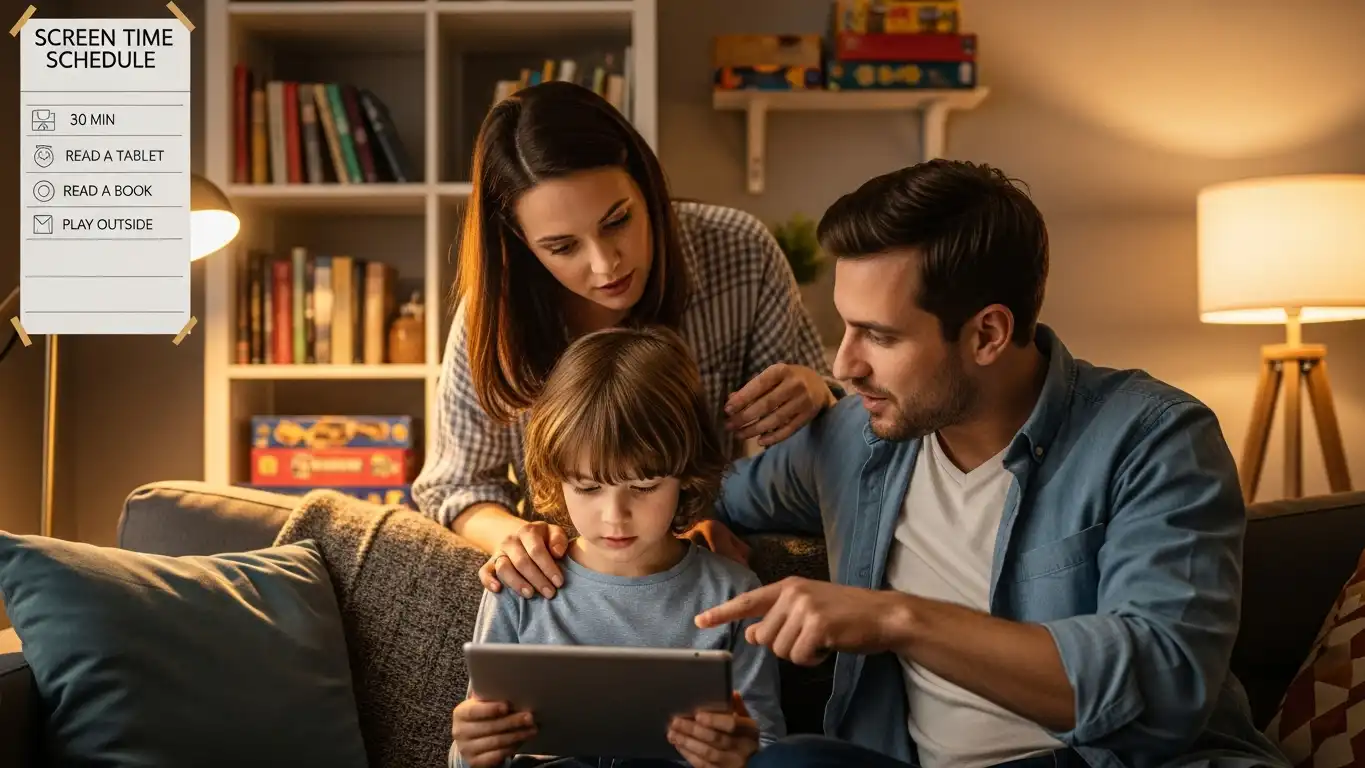
In 2026, parenting involves navigating a complex digital landscape populated by immersive VR, AI chatbots, and hyper-connected gaming ecosystems. The challenge is no longer simply restricting internet access; it is about fostering digital well-being, protecting children from algorithmic addiction, and shielding them from sophisticated cyber threats. Modern parental control software has evolved into “Digital Parenting Assistants,” utilizing local AI to detect bullying, predatory behavior, and mental health crises without being overly invasive.
Finding a solution that works across every screen—from smartphones and tablets to spatial computing headsets and gaming consoles—is essential for a cohesive safety strategy. Whether you are managing a toddler’s screen time or monitoring a teenager’s social media interactions, the right tool provides peace of mind. Here are the top 5 parental control software solutions for all devices in 2026.
Qustodio
Qustodio continues to be the gold standard in the industry, offering the most comprehensive dashboard for parents who want granular control over every aspect of their child’s digital life. In 2026, it expanded its capabilities to include robust monitoring for spatial computing and VR headsets, ensuring safety in the metaverse.
This software excels at cross-platform compatibility, providing a seamless experience whether your child is on an iPhone, an Android tablet, a Windows laptop, or a Kindle.
- Immersive App Blocking: Uniquely capable of setting time limits on VR applications and blocking specific experiences within the Meta Quest and Apple Vision ecosystems.
- Panic Button & Geofencing: Includes a physical SOS button feature on mobile devices and highly accurate location tracking with alerts when children enter or leave safe zones.
- Smart Activity Timeline: AI summarizes daily activity into an easy-to-read timeline, highlighting how much time was spent on education versus entertainment.
- Call & SMS Monitoring: Provides detailed logs of calls and texts on Android devices, with keyword flagging for potential risks like drugs or bullying.
Best For: Parents who want a “command center” view of their family’s digital footprint across mixed reality and standard devices.
Bark
Bark takes a different approach by prioritizing privacy and trust, using advanced sentiment analysis algorithms to monitor content without giving parents full access to their child’s private conversations. It scans for potential dangers—such as suicidal ideation, cyberbullying, or sexual predation—and only alerts parents when a specific threat is detected.
This “alert-only” model makes it the preferred choice for parents of teenagers who need protection but also deserve a degree of autonomy and privacy.
- AI Sentiment Analysis: The 2026 algorithm understands nuance, slang, and emojis better than ever, drastically reducing false positives while catching genuine emotional distress.
- Broadest App Coverage: Monitors over 45 social media platforms, email clients, and gaming chats, detecting threats where other apps can’t see.
- Expert Recommendations: When an alert is triggered, Bark provides psychological advice and conversation starters to help parents address the issue constructively.
- Check-In Features: Allows older kids to simply check in with their location rather than being tracked in real-time, fostering a relationship built on trust.
Best For: Families with teenagers, and parents concerned about mental health and cyberbullying.
Net Nanny
Net Nanny remains the king of web filtering, utilizing dynamic, real-time context analysis to block inappropriate content before it loads on the screen. Rather than relying on outdated blacklists of websites, its AI engine reads the page instantly to determine if the content is safe, making it effective even on new sites created yesterday.
This software is particularly strong for younger children who might accidentally stumble upon mature content while browsing or doing homework.
- Real-Time Contextual Filtering: Scans text and images on a webpage in milliseconds to categorize and block pornography, violence, or hate speech on the fly.
- YouTube Monitoring: Offers detailed reporting on what videos your child has watched and what search terms they are using on YouTube, even in the app.
- Screen Time Scheduling: Allows parents to create flexible internet schedules, such as “curfews” at night or “homework mode” where only educational sites are accessible.
- App Masking: On Android, parents can see exactly which apps are installed and block them instantly, preventing kids from hiding secret vault apps.
Best For: Families with younger children and those who prioritize strict protection against inappropriate web content.
Microsoft Family Safety
For households that run on Windows PCs and Xbox consoles, Microsoft Family Safety offers a deeply integrated, free-to-use solution that rivals premium competitors. In 2026, it will have enhanced its “Driving Safety” features, making it a dual-purpose tool for digital and physical safety for families with new teen drivers.
It provides a seamless ecosystem experience, allowing you to set a single screen time allowance that applies across the PC and the Xbox.
- Cross-Device Screen Limits: Set a time limit that spans Windows and Xbox; if the child uses 2 hours on the PC, they have 0 hours left for the console.
- Driving Safety Reports: Monitors speed, phone usage while driving, and hard braking events for teen drivers, providing weekly safety scorecards.
- Content Filters: Applies strict web filtering on the Microsoft Edge browser and blocks inappropriate games based on age ratings in the Microsoft Store.
- Family OneNote: Integration with shared family calendars and notebooks to help coordinate schedules and chores alongside digital safety.
Best For: Families heavily invested in the Microsoft ecosystem (Windows/Xbox) and parents of teen drivers.
Aura
Aura has emerged as a powerhouse by combining traditional parental controls with enterprise-grade identity theft protection and cybersecurity. It treats the family as a single digital entity, protecting not just against screen time addiction, but against data brokers, identity thieves, and online predators targeting children.
This all-in-one suite is perfect for parents who want to secure their children’s financial future alongside their daily internet usage.
- Child Identity Theft Protection: Actively monitors for your child’s Social Security number on the dark web and freezes their credit file to prevent fraud.
- Safe Gaming: Monitors voice and text chats in popular PC games for toxic behavior and predator keywords, alerting parents to risks in online lobbies.
- Spam & Scam Blocking: Automatically filters out spam calls and phishing texts on your child’s phone, preventing them from falling for scams.
- VPN & Antivirus: Includes a built-in VPN and antivirus for all family devices to ensure browsing is private and secure from malware.
Best For: Parents looking for a comprehensive digital safety net that includes cybersecurity and financial protection.
Conclusion
In 2026, digital parenting is about striking a balance between supervision and independence. The “best” software depends on your family’s dynamic: Qustodio offers the best cross-platform control, Bark excels in mental health monitoring for teens, Net Nanny provides superior web filtering for younger kids, Microsoft Family Safety rules the PC/Xbox ecosystem, and Aura secures the entire family’s digital and financial identity.
Investing in one of these tools allows you to step back from being the “internet police” and focus on being a parent, knowing that a sophisticated digital safety net is working in the background.